> ## Documentation Index
> Fetch the complete documentation index at: https://support.kinpal.com/llms.txt
> Use this file to discover all available pages before exploring further.
# Introduction
> Welcome to the official documentation for Kinpal.
 ## What is Kinpal?
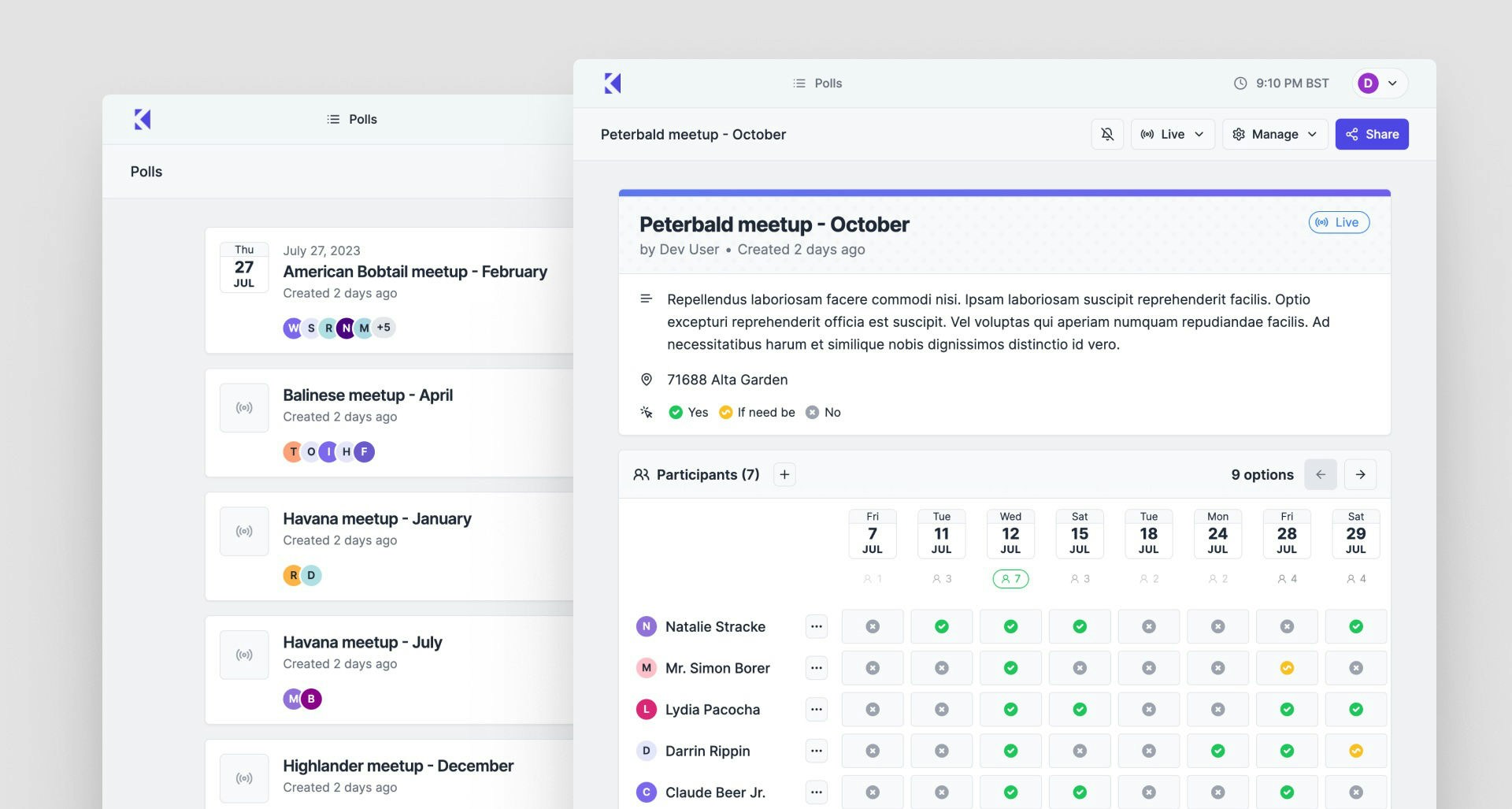
Kinpal is a tool for creating scheduling meeting polls. It's designed to help people find a common time to schedule a meeting or event.
## What is a Scheduling Meeting Poll?
Scheduling meeting polls help you find a time that works for everyone. The host
of the meeting will typically select a few date and time options for participants to vote
for and then select the most suitable option.
Learn how scheduling meeting polls work
How to respond to a scheduling meeting poll
Team collaboration with centralized billing
## Individual vs Team Usage
Kinpal works great for both personal scheduling and team collaboration:
* **Individual Use**: Create personal polls and share them with participants
* **Team Use**: Create spaces for your organization with centralized billing and member management
## How much does it cost?
Most of Kinpal's features are free and most users will never need to pay for anything.
However, there are some features that are only available to Pro users, and teams can benefit from centralized billing through spaces.
Learn more about Kinpal's pricing
## What is Kinpal?
Kinpal is a tool for creating scheduling meeting polls. It's designed to help people find a common time to schedule a meeting or event.
## What is a Scheduling Meeting Poll?
Scheduling meeting polls help you find a time that works for everyone. The host
of the meeting will typically select a few date and time options for participants to vote
for and then select the most suitable option.
Learn how scheduling meeting polls work
How to respond to a scheduling meeting poll
Team collaboration with centralized billing
## Individual vs Team Usage
Kinpal works great for both personal scheduling and team collaboration:
* **Individual Use**: Create personal polls and share them with participants
* **Team Use**: Create spaces for your organization with centralized billing and member management
## How much does it cost?
Most of Kinpal's features are free and most users will never need to pay for anything.
However, there are some features that are only available to Pro users, and teams can benefit from centralized billing through spaces.
Learn more about Kinpal's pricing