
These options are available from v4.6.0 and later and require an Enterprise license with a white-label add-on.
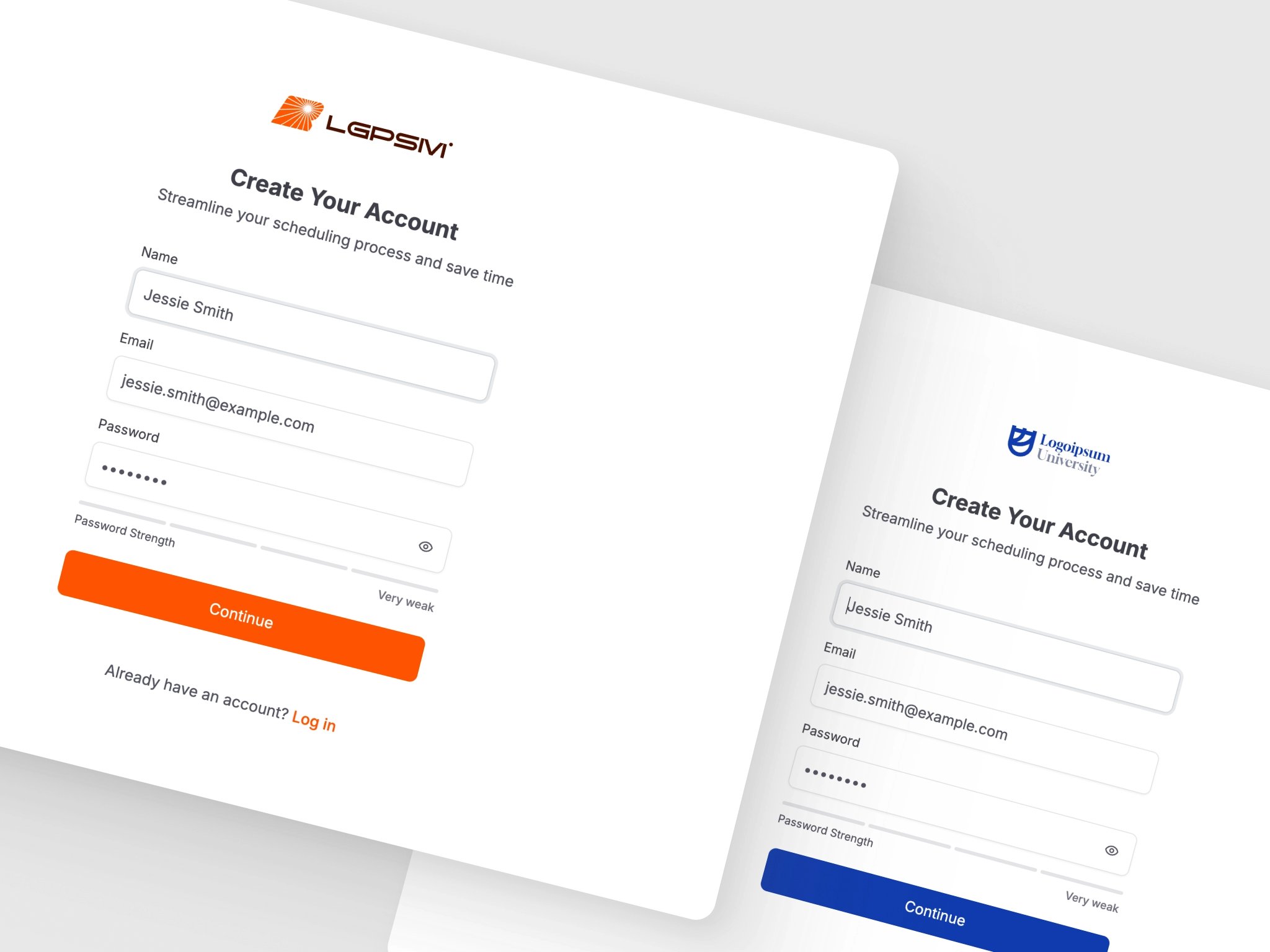
What You Can Customize
- Application Name - Change the name displayed in page titles, navigation, and emails
- Primary Colors - Set custom brand colors for both light and dark modes
- Logos - Use your own logos for the application and emails
- Attribution - Hide the “Powered by Kinpal” text in polls and emails
Configuration
All white labeling options are configured via environment variables. See the Configuration Options page for the full list of available settings.Example
Add your white labeling values to the.env file at the root of your self-hosted stack, then apply them with ./rallly.sh restart:
Viewing Current Settings
You can view the current branding configuration in the Control Panel under the Branding section. These settings are read-only in the UI and must be changed via environment variables.Requirements
- Enterprise License with White Label Add-on: White labeling features are only available with an active Enterprise license that includes the white label add-on.
- Without the add-on, your instance will use the default Kinpal branding regardless of environment variable settings.